Curtain visualizer: see curtains in your own room from a photo
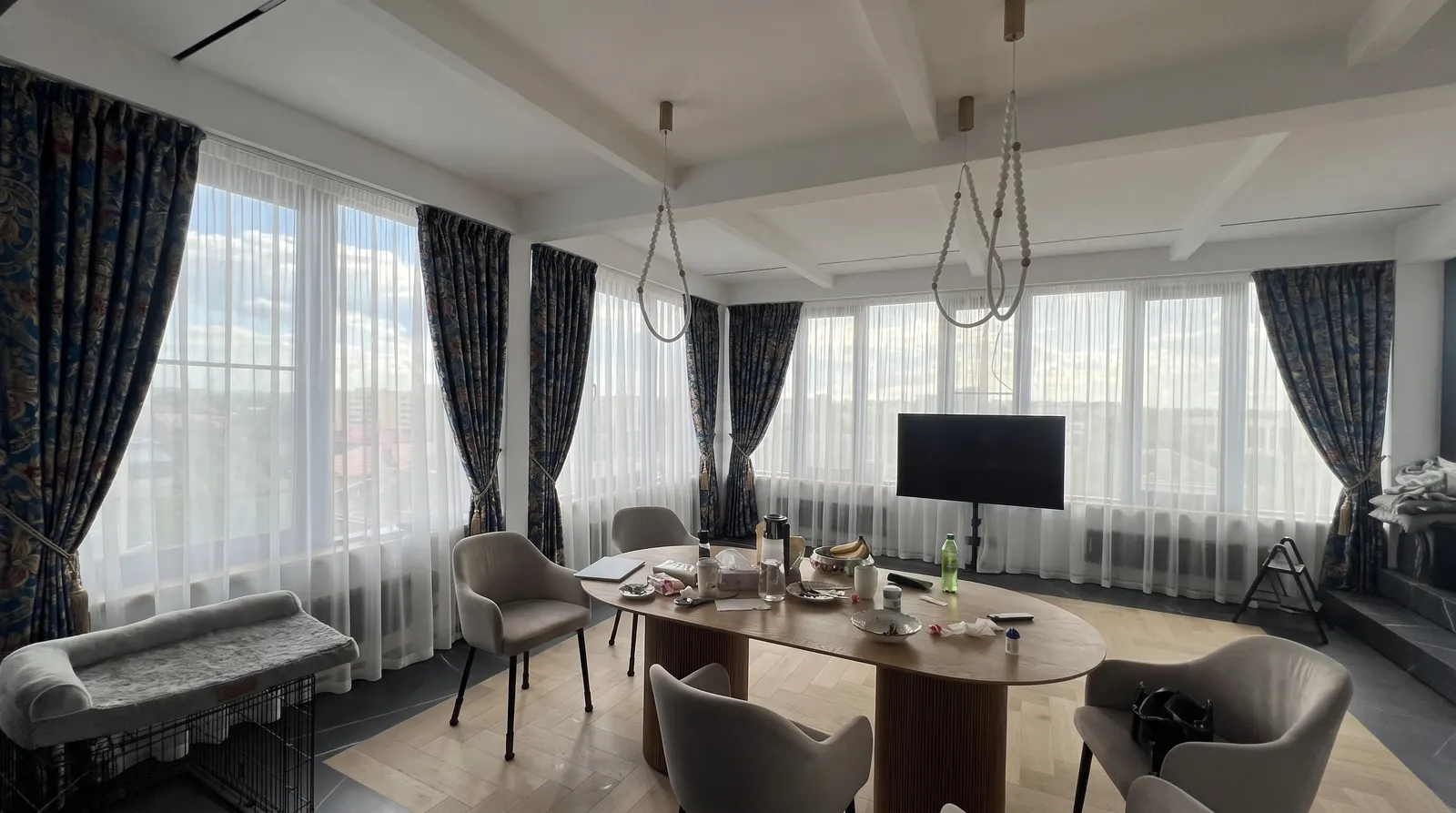
People look for a curtain visualizer for one reason: a swatch the size of a palm says nothing about a floor-to-ceiling curtain on their own window. Shops and designers want the same thing for their clients, because an undecided client is an order that waits. There are several kinds of curtain visualizer, and the difference between them is whether you see your room or someone else's.
Here are the main kinds, where each one stops, and how to try curtains on a photo of your own room.
The kinds of curtain visualizer
Builders on store websites
You pick a window from a few templates, a fabric from the store's range and a style. It is quick and free, but the room is drawn, and the fabrics are only the ones that store sells. It is hard to tell from that picture how your own room will look.
Interior design software
In a 3D design tool you can model the room to size and hang any curtains on the window. The result is accurate, but modelling takes hours, and mostly designers know these tools. For new curtains in a finished home it is more work than the question needs.
A preview on a photo of your room
You photograph your window and your fabric, and the service shows the same room with new curtains. The room is real and the fabric is yours, whether it comes from a sample book or a remnant. This is the closest you get to the finished result, and it takes a couple of minutes.
How to try curtains on a photo of your room
CurtainBot works in the browser and in Telegram.
- Photograph the room so the whole window is in the frame.
- Photograph the fabric: a swatch, a remnant or a catalogue photo.
- Pick one of 11 styles, or send a photo of curtains you like.
- If you want, add a sheer, a roman blind or a roller blind, from a second fabric too.
- Get the same room with the new curtains and save the picture.
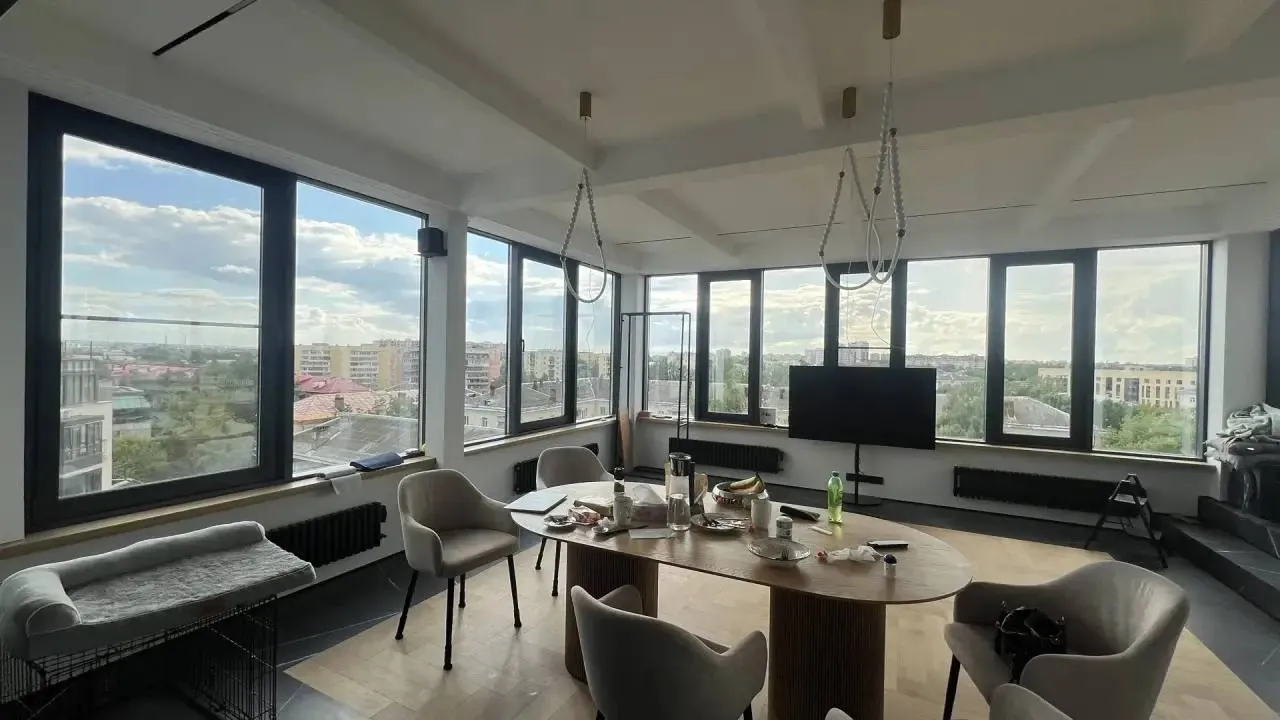
Bay and attic windows are recognised from the photo. Every result goes through a quality check: if the room came out distorted, we don't show it and the preview isn't used. Our guide on how to photograph a window and fabric shows how to get it right the first time.
How to compare fabrics and styles
The real advantage of a preview on a photo is a fair comparison. "Change fabric" and "change style" change one thing at a time, while the room, the light and the angle stay the same. You see what the fabric itself does: a dark drape makes a room feel lower, a light one opens it up, and a large pattern on a big window reads larger than on the swatch.
If you haven't settled on a style, start with one fabric in three styles, then compare two or three fabrics in the best one. Which style suits which window is covered in our overview of curtain styles.
Why a visualizer helps a curtain shop
For a shop or a designer the visualizer does a different job: it helps the client decide. Ask for a photo of the window before the meeting and show two or three options on their own room. The client can send the picture to the family, and they discuss a finished room instead of a small swatch. More on working it into the sale is in how to show clients curtains in their own room.
Common mistakes that make a preview look wrong
- The window was shot in the evening under a ceiling light. The fabric turns yellow and the room looks darker than by day.
- Only part of the window is in the frame. The service can't see where the rod and the floor are, so the length is a guess.
- The fabric was shot at an angle or in folds. The pattern comes out distorted and the colour patchy.
- The old curtains are drawn. Open or take them down, so the window and its reveals are visible.
- Each fabric was tried on a different room photo. Compare fabrics on the same photo, or the difference you see is the light, not the fabric.
What to expect
The first 2 previews are free, and a failed attempt is never charged.
A preview is a visualization to help you choose, not a photo of finished curtains. Folds, exact length and shade can differ a little in real life, and measuring still decides the sizes. What you do get, before anything is sewn, is an answer to "how will it look in my room".