How to show clients curtains in their own room before sewing
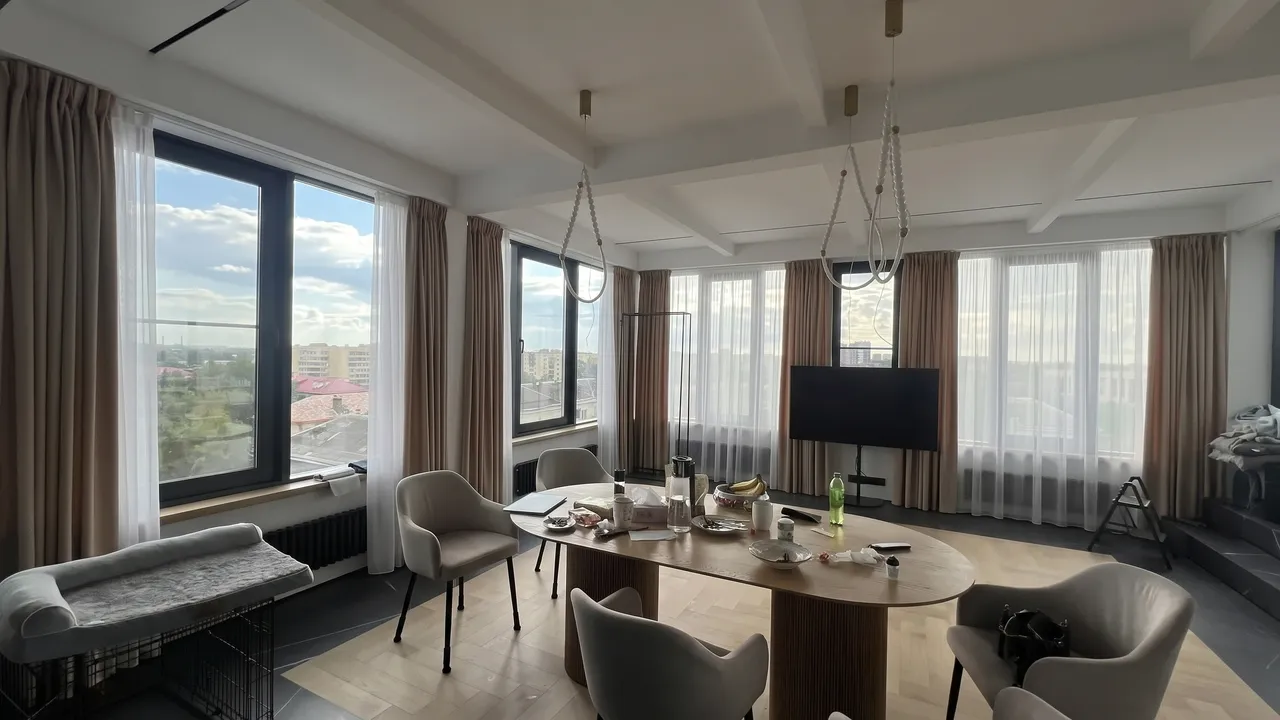
Your client holds a fabric swatch the size of a palm and has to imagine it as a floor-to-ceiling curtain. Very few people can. That is where the long pauses, the “let me think about it” and the orders that never reach the workroom come from.
This article looks at why curtain decisions are so hard, the ways shops and designers show the result in advance, and how to work a preview into the sale.
Why clients hesitate
Curtains are a visible purchase, made to measure for one window. They can’t be returned like something off the shelf, so clients are afraid of getting it wrong. The fear has real reasons behind it.
- A small swatch behaves differently from a large panel: over a big area the color reads darker or brighter, and a pattern looks larger.
- The light in a showroom is not the light at home. A fabric that looked warm under the shop lamps can look cold by a north-facing window.
- Catalogues and photos of past work show someone else’s room, with different walls, floors and furniture.
- Style names don’t help much. “Fold-over top” or “evenly pleated sheer” mean little to someone who doesn’t sew curtains.
The seller’s job is to remove that fear and show the client not what curtains can look like, but what theirs will look like.
The usual ways to show curtains, and their limits
Swatches and sample books
The basis of every sale: the client can touch the fabric and see the color. A swatch says nothing about how it will hang on their window or sit next to their walls.
Photos of past projects
Good for choosing a style and showing your workmanship. The weak spot is the same: it’s another room, and the client still has to imagine their own.
Sketches and mood boards
A designer can put together a mood board or a sketch. It looks convincing, but each option takes time, and comparing three fabrics in one meeting is hard.
3D renders
The most accurate option when an interior is designed from scratch. For new curtains in a finished home it’s too much: someone has to model the room first.
A preview on a photo of the room
You or the client photograph the window, then the fabric, and the service shows the same room with new curtains. It doesn’t replace measuring or swatches, but it answers the main question: “how will this look in my home?”
How a preview works in CurtainBot
CurtainBot works in the browser and in Telegram. A preview takes a couple of minutes.
- Upload a photo of the room with the window in view.
- Upload a photo of the fabric: a swatch, a cut length or even upholstery.
- Choose one of 11 styles, or upload a photo of curtains you like. You can add a sheer, a roman blind or a day-night roller blind, including from a second fabric.
- Get the same room with the new curtains and save the picture.

Bay and attic windows are recognised from the photo, and the chosen style is fitted to them. Every result goes through a quality check: if the room came out distorted, we don’t show it and the preview isn’t used.
Using previews to close the sale
- At the first consultation. Ask the client to send a photo of the window in advance and show two or three options on their own room.
- To compare fabrics. “Change fabric” and “change style” keep everything else the same, so options are compared fairly on one window.
- So the client can decide at home. Send the picture to their phone. Showing the family a finished room is easier than describing a swatch.
- After measuring. Confirm the choice: the client sees exactly what they are paying for.
Tip: photograph the window in daylight and in full. Our guide on how to photograph a window and fabric shows how to get it right the first time.
What to expect from a preview
A preview is a visualization to help choose, not a photo of finished curtains. Folds, exact length and shade can differ slightly in real life, and measuring still decides the sizes. What changes is that the client stops guessing: they see their room, their fabric and the chosen style together, and can make a decision.
If you’re choosing styles to offer, see our overview of curtain styles and the windows they suit.